
Find answers in the Party Desk Pro Support Hub
Search, browse by job or topic, follow guide links, and share the right instructions with your team.
Guide typeStep by step
Estimated time2 minutes
Best forGetting Started
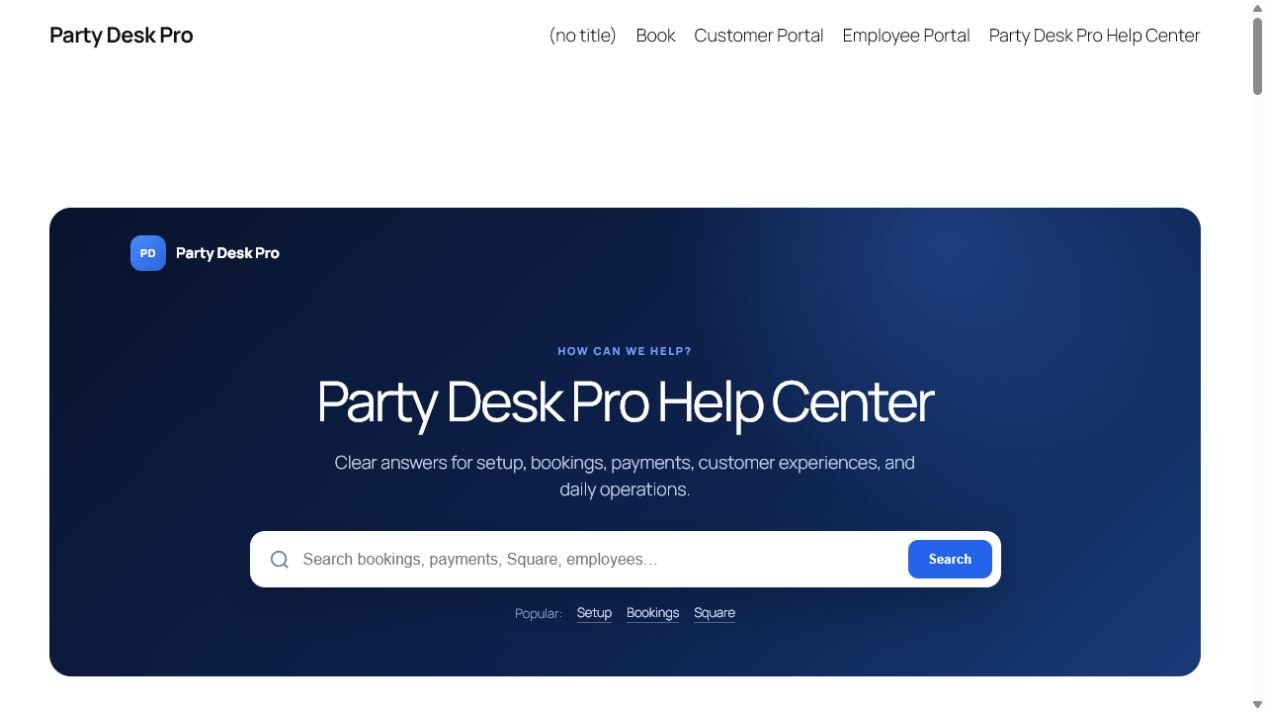
The Support Hub is designed as one main page that stays inside your WordPress theme. Every category, search result, and guide opens within the same help experience.
Start with the fastest route
- Choose a job. Use the “What are you trying to do?” cards for setup, booking management, daily work, or payments.
- Browse a topic. Select a category such as Bookings, Payments, Operations, Team & Security, or Troubleshooting.
- Search a phrase. Enter a feature, task, or symptom such as refund, employee portal, or email not delivered.
- Open the full guide. Follow the steps in order and check the expected-result panel before moving on.
Use links inside guides
Guide links connect related tasks. For example, the booking guide can take you to payments, contracts, employees, or availability without returning to the directory.
Share help with the team
- Open the exact guide the employee needs.
- Copy the page URL from the browser or use the guide’s Copy Link button.
- Send only the relevant guide rather than giving unnecessary WordPress administrator access.
- Review business-specific policies in the article editor before using a guide for training.
When a guide does not match your screen
- Confirm the Party Desk Pro and Support Hub versions.
- Check whether the employee’s role hides that workspace or action.
- Refresh the page and clear site caches after an update.
- Use Contact support effectively to collect safe troubleshooting details.
Tip: administrators can edit every built-in guide under PDP Help Center → Help Articles and add company policies, contact information, or additional screenshots.